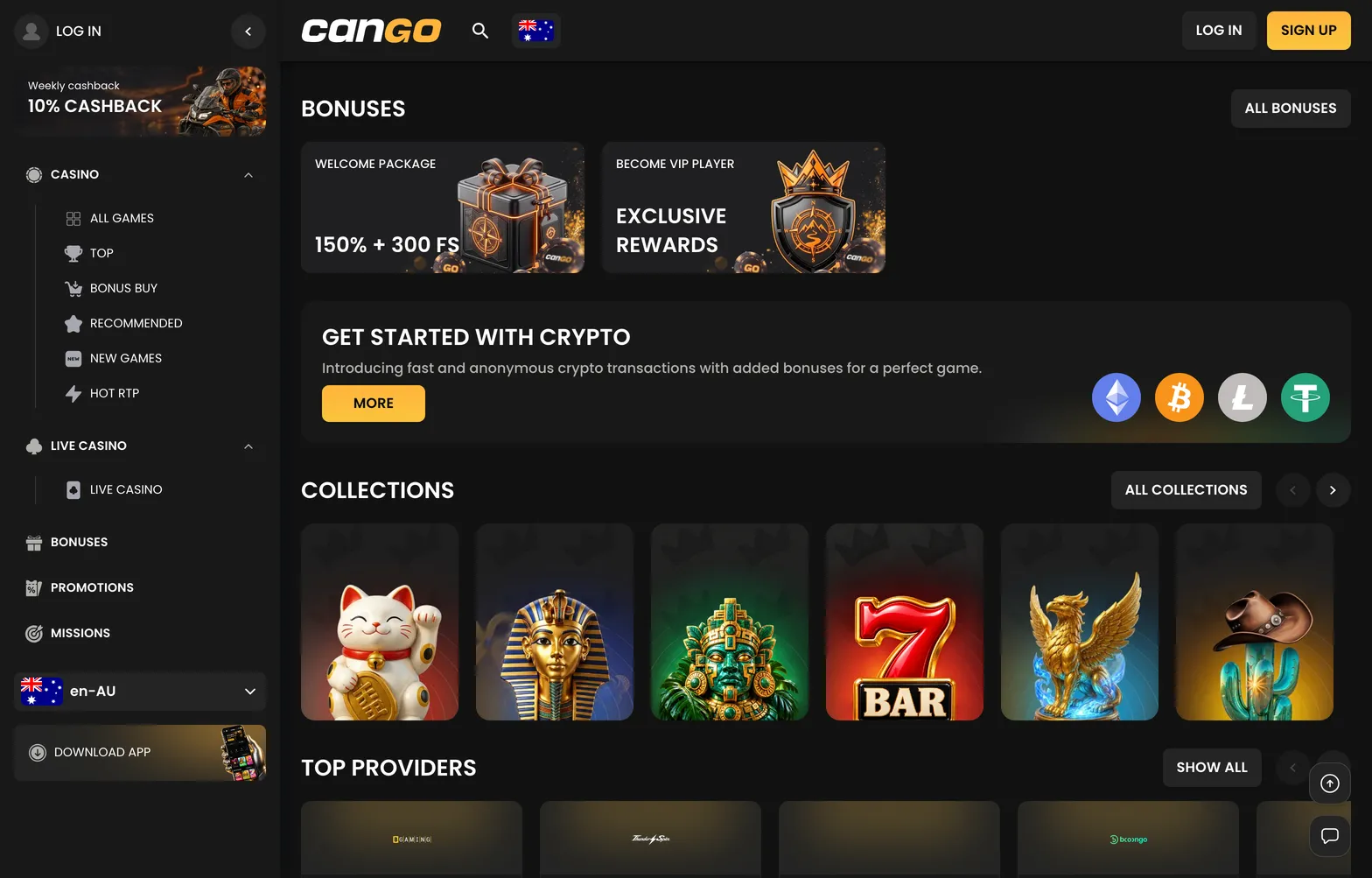

For a regular, the cango login is the most repeated step of the week: Monday to check the cashback, mid-week for missions and pokies, Sunday for the reload. It should take seconds, and most of the time it does. This page covers the three ways to sign in, what to do when the account locks you out, and how Google sign-in works, so a forgotten password does not cost you a day of free spins or the Sunday offer.
Cango casino login: the ways to sign in overview
The cango casino login uses one short form on desktop and mobile. You need the email address and the password you created at sign-up, or the Google account you used to register. Once inside, the account shows your balance, bonus progress, missions and the cashier. The site is 18+ only, and the one account per person, address and device rule applies to every way of signing in.
| Method | Where the button is | What you need |
|---|---|---|
| Email and password | Log in button in the top right corner of the site | The registered email and a password of 8+ characters |
| Continue with Google | Inside the sign-in window, under the form | The same Google account used at sign-up |
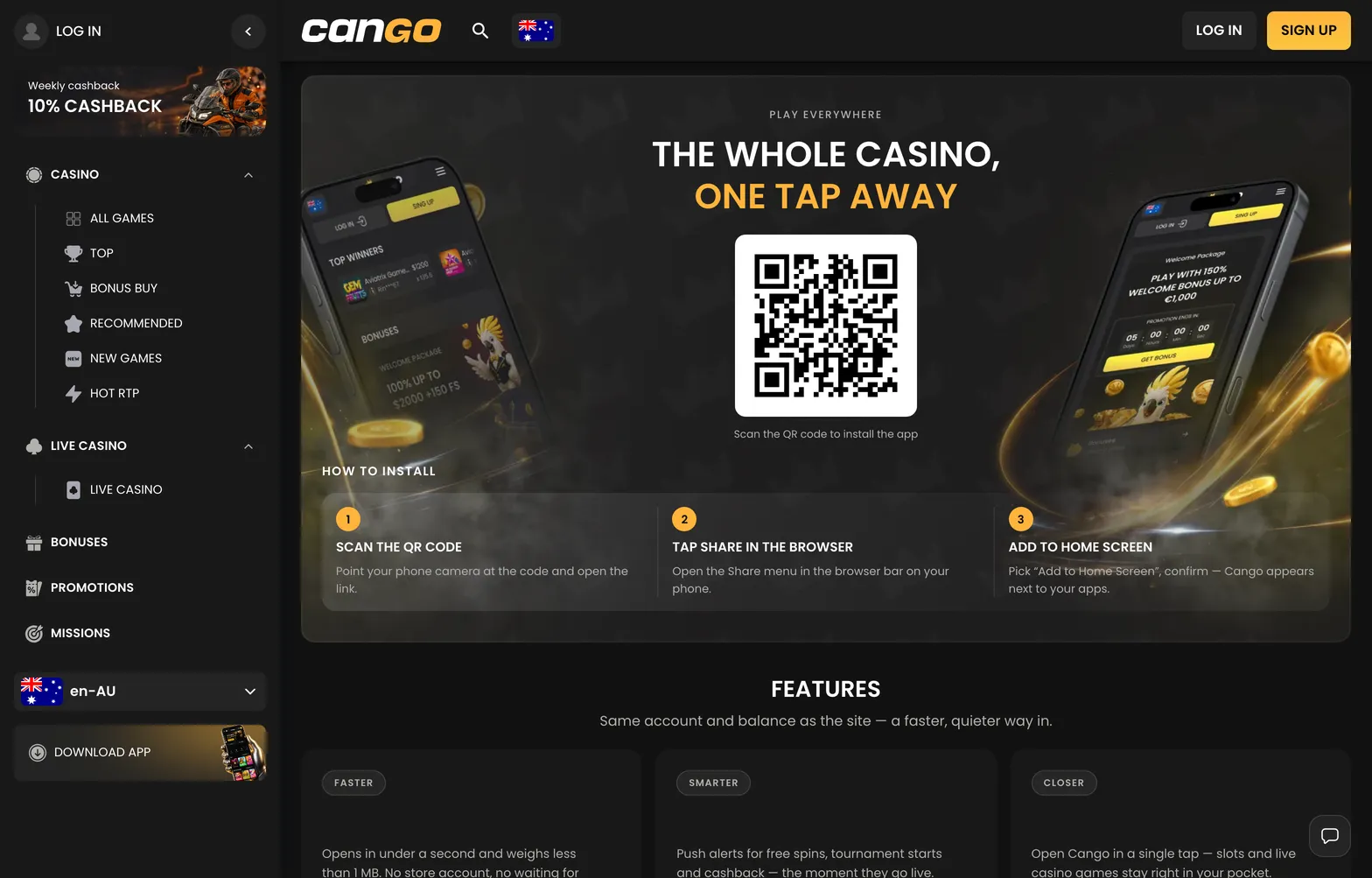
| Sign-in from the PWA | Cango icon on the phone’s home screen | The installed web app and a saved session or your email and password |
A cango sign in from the PWA usually keeps the session for days, so the icon opens straight into the lobby. If it shows the form instead, enter your details once and tick the browser’s offer to save them. Before a Sunday deposit, take a second to check that you are in the right account and currency, because the AUD, EUR or CAD choice from sign-up cannot be changed.
If you do not have an account yet, the cango sign up form sits behind the same button: email, a password of at least 8 characters, country, currency, the promo code field for WP1 and the 18+ tick. It takes about a minute, and the newsletter toggle is on by default if you want to switch it off.